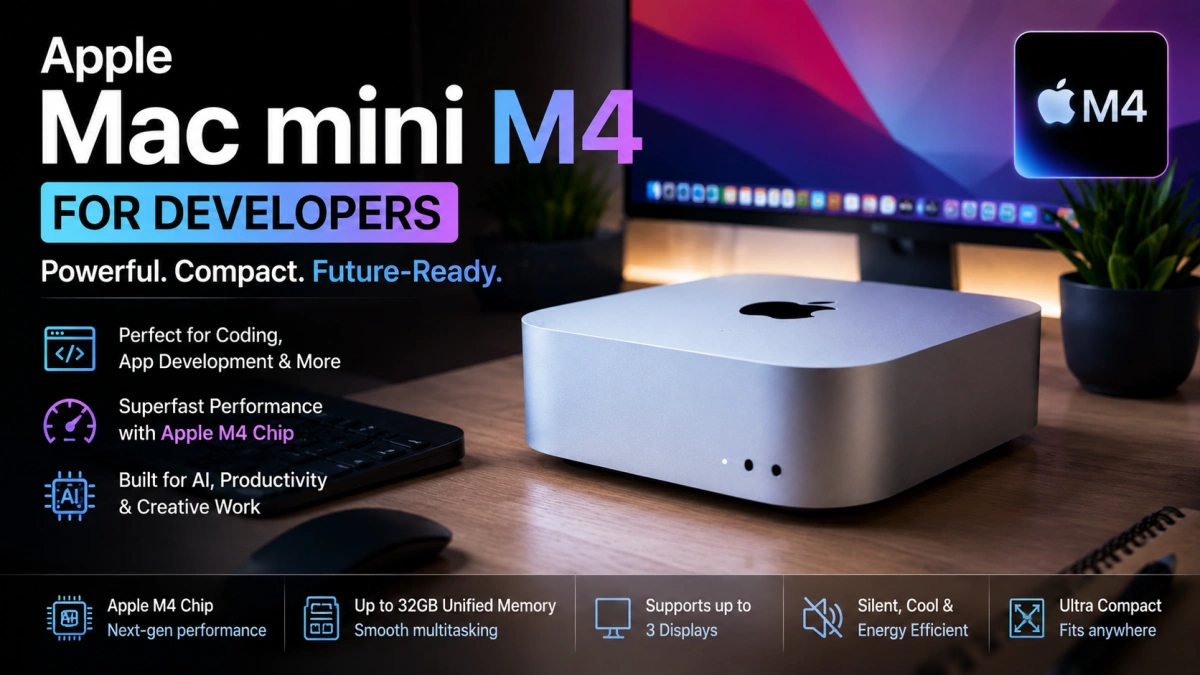
Apple Mac mini M4 for Developers: Is It the Best Budget Mac in 2026?
Let me be honest with you.
When I first heard "Mac mini," I imagined something underpowered — a compromise machine for people who couldn't afford a real Mac. I was wrong.
After spending time with the Apple Mac mini M4, I can tell you this: it's one of the most surprising pieces of hardware I've used in years. Small enough to fit behind your monitor, quiet enough to forget it's running, and fast enough to make you question why anyone buys a MacBook Pro for development work.
Small Box. Serious Power.
Most people walk into a store thinking MacBook Air or MacBook Pro. The Mac mini doesn't even make the shortlist — because there's no screen, no keyboard, no flashy unboxing moment.
But that's exactly where Apple wins with this one.
You bring your own monitor. Your own keyboard. Your own setup. And in return, you get raw M4 performance at a price that doesn't make your wallet cry.
If performance-per-rupee is what you care about — and as a developer, it probably should be — nothing in Apple's lineup comes close.
What Actually Changed with M4?
This isn't just a spec bump. The M4 chip feels genuinely different in daily use.
Builds finish faster. Simulators launch without that painful 30-second wait. You can have Android Studio, VS Code, Chrome with 20 tabs, and a Firebase emulator all running — and the fan still doesn't kick in loud enough to notice.
Apple also improved the Neural Engine, which matters more now than it did two years ago. AI tools, local models, on-device processing — this hardware is ready for where software is heading.
For Flutter Developers Specifically
This part I want to be clear about, because Flutter developers have a very specific pain point: you need both Android and iOS running at the same time.
On the Mac mini M4, you can comfortably run:
Android Emulator, iOS Simulator, Firebase Emulator, Chrome for debugging, VS Code, and Android Studio — all open together, all usable.
Build times compared to older Intel Macs? Night and day. What used to take 3–4 minutes now finishes in under a minute on a clean build.
And if you're building iOS apps, you already know — you need a Mac. The Mac mini M4 is genuinely the most affordable entry point into Apple's ecosystem that doesn't feel like a sacrifice.
Content Creators, You're Not Left Out
This machine isn't just for developers.
Final Cut Pro on M4 handles 4K footage like it's nothing. DaVinci Resolve, which used to push Intel machines to their limit, runs smooth here. Whether you're editing YouTube videos, Instagram Reels, or recording podcasts — the Mac mini M4 keeps up without breaking a sweat.
AI Is the Future. This Machine Is Ready.
We're at a point where the hardware you buy today needs to last through an AI-heavy next five years.
The M4's Neural Engine is built for exactly that — photo enhancement, voice transcription, writing tools, on-device AI models. As these tools become part of everyday workflows, the Mac mini M4 won't feel outdated. It'll feel ahead of the curve.
Who Should Actually Buy This?
If you're a Flutter developer, iOS developer, student learning to code, freelancer, video editor, or content creator — and you already have a monitor — this is a no-brainer.
You're not paying for a screen you don't need. You're paying for the chip, the performance, and a machine that will likely outlast three or four mid-range laptops.
Real Downsides — No Sugarcoating
I won't pretend this machine is perfect.
The display isn't included. Neither is the keyboard or mouse. Storage upgrade pricing from Apple is painful. And the most important thing people miss: RAM and storage cannot be upgraded after purchase. Ever.
So when you buy — get enough RAM upfront. 16GB works for most developers today, but 24GB gives you room as projects grow.
USB-A ports are also limited, so factor in a hub if your workflow needs them.
Mac mini M4 vs Windows PC — Honest Take
If your world is Flutter, iOS, video editing, or content creation — Mac wins on stability, performance per watt, and long-term software support.
If you're a serious gamer, or you rely on Windows-only enterprise software — stick with Windows. No shame in that.
But if you're a developer who wants to ship fast, build iOS apps, and run a clean setup without noise or heat — the Mac mini M4 is probably the best value machine you can buy in 2026.