

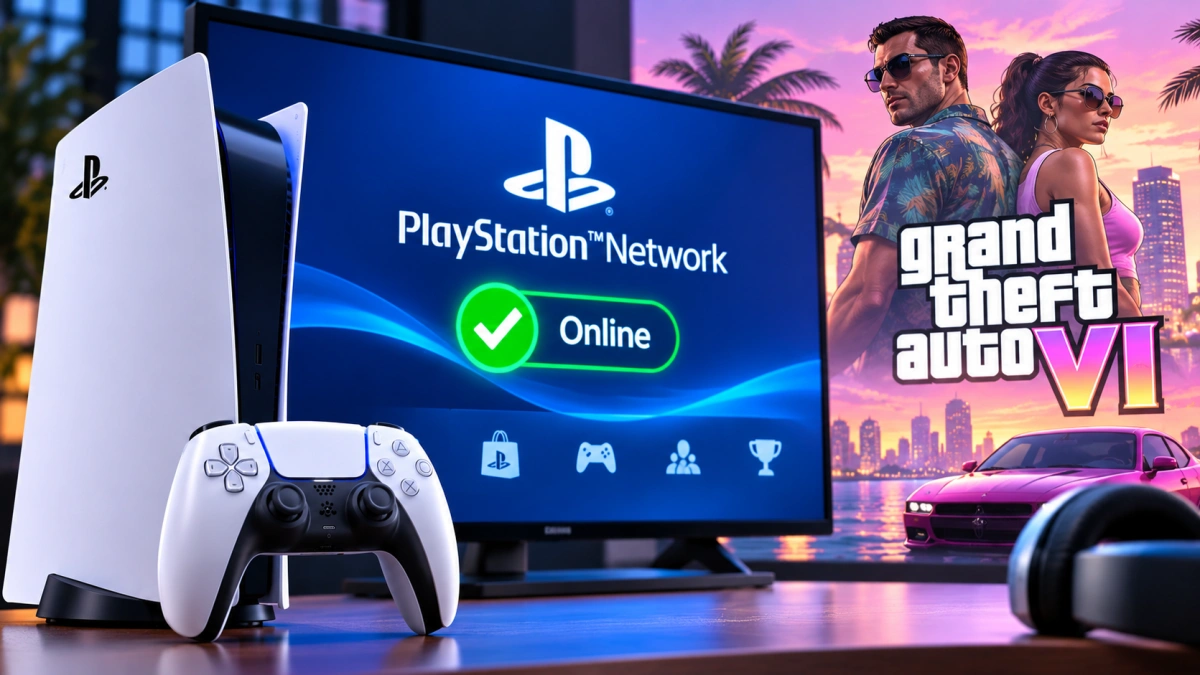
Midnight Panic Hits Millions of PlayStation Players
Few video game releases in modern entertainment history have carried the sheer cultural gravity—and server terror—of Grand Theft Auto VI. After more than a decade of anticipation, trailers breaking internet view records, and console hardware bundles flying off retail shelves, millions of PlayStation 5 and PlayStation 4 owners spent Wednesday, November 18, 2026, counting down the final hours before midnight regional unlocks on November 19.
Then came the exact digital nightmare every gamer feared. Just hours before the first wave of midnight rollouts, PlayStation Network (PSN) stumbled under crushing global load. Players rushing to finish massive pre-load downloads, install day-one system patches, and authenticate digital game licenses were suddenly met with spinning connection wheels, failed sign-ins, and cryptic error codes.
Within minutes, Downdetector graphs spiked vertically into the tens of thousands while social timelines flooded with panic. Would the biggest entertainment launch of the decade turn into a broken server disaster? Fortunately, Sony’s backend engineers pulled off a rapid stabilization just before midnight—turning a potential launch-night catastrophe into the biggest concurrent release in PlayStation history.
Timeline of the November 18 PSN Disruption
Unlike multi-day cyberattacks that have haunted console networks in past decades, this disruption followed a classic pre-launch traffic stampede pattern across overlapping account and licensing endpoints:
- Wednesday Afternoon / Early Evening (Nov 18): Players across Europe, Asia, and North America began seeing intermittent slowdowns on the PlayStation Store and Account Management portals as last-minute digital buyers queued up GTA 6 pre-loads simultaneously.
- Peak Disruption Window: Error complaints surged across PS5 and PS4 consoles. Users reported getting locked out of PSN sign-ins, failing to verify digital licenses for downloaded titles, and experiencing dropped multiplayer lobbies and party chats across unrelated live-service games.
- Sony’s Official Acknowledgment: PlayStation’s official Service Status dashboard shifted from green to amber/red across Gaming and Social, Account Management, and PlayStation Store categories, confirming engineers were actively mitigating server degradation.
- Full Restoration Before US Midnight (9:18 PM ET): By approximately 9:18 PM Eastern Time on November 18 (early morning November 19 across India and parts of Asia), Sony cleared the authentication bottleneck and confirmed PSN had returned to full operational health—just ahead of the North American midnight unlock.
Why Launch Surges Break Console Networks
Even with modern elastic cloud scaling, massive global game launches punish digital storefronts in ways routine weekday traffic never touches. Downloading a 150GB+ open-world game is actually the easy part—content delivery networks (CDNs) cache static file chunks across thousands of local ISP edge servers worldwide.
What actually chokes console platforms right before midnight is authentication and cryptographic license handshaking. Every time millions of consoles simultaneously ping central PlayStation servers to ask, “Is this digital copy unlocked in my region yet, and does this account hold a valid license?”, those requests cannot be served from a dumb static cache. They require real-time encrypted database lookups tied to user entitlements, parental locks, and PlayStation Plus status.
Multiply that burst by millions of gamers repeatedly hammering the Check for Update and Restore Licenses buttons every thirty seconds, and retry storms quickly amplify server strain tenfold.
PSN Subsystem
Impact During Nov 18 Surge
Post-Recovery Launch Outcome
Account Sign-In & Auth
Intermittent login timeouts on PS5/PS4
Restored by 9:18 PM ET Nov 18
Digital License Checks
Padlock icons & verification errors on pre-loads
Cleared ahead of midnight unlocks
PlayStation Store
Checkout errors for last-minute digital buyers
Processed record launch-day volume smoothly
Gaming & Social
Dropped party audio and multiplayer queues
Supported record concurrent PS5 players on Nov 19
GTA 6 Still Shattered Every PlayStation Record
Once Sony’s infrastructure teams cleared the authentication backlog around 9:18 PM ET, the rebound was immediate. Players unlocked Vice City and Leonida across regional midnight zones without widespread server crashes, and Grand Theft Auto VI immediately went on to post the biggest launch in PlayStation history—surpassing every prior console milestone with millions of concurrent players logged onto PS5 systems globally.
For gamers interested in alternative ways to jump into Rockstar’s massive open world without fighting over living-room TV time, check out our guide on playing Grand Theft Auto VI using cloud and Remote Play setups.
Worth noting too: while single-player story mode runs cleanly offline once your digital license passes its initial launch check, the brief PSN scare reminded console players everywhere why physical discs still carry unique peace of mind during monumental launch weeks—not least because physical media plays a major role in ongoing antitrust debates over digital console storefronts.
How Sony Avoided a Days-Long Catastrophe
Veteran PlayStation owners still remember infamous multi-day network outages from earlier console generations. What made the November 18 recovery impressive was Sony’s automated circuit-breaker response behind the scenes. Rather than letting massive GTA 6 download queues choke account authentication clusters, PlayStation infrastructure teams dynamically prioritized essential login tokens and license handshakes ahead of non-critical social profile feeds, trophy sync bursts, and store recommendation carousels. Once regional unlock spikes stabilized past midnight across Europe and North America, background social features gradually came right back online without knocking players out of active sessions.
Even more encouragingly for upcoming multiplayer rollouts, surviving one of the steepest traffic curves in modern console history proves Sony’s cloud-scaled authentication tier can absorb tens of millions of simultaneous player requests without buckling for days.
What to Do If You Still See a Padlock Icon or License Error on PS5
Even after Sony restores full PlayStation Network stability, individual consoles occasionally cling to stale cached license tokens after an outage. If your PS5 shows a small padlock icon next to a pre-loaded game or refuses to verify ownership after PSN turns green again, run through these four quick fixes instead of deleting and re-downloading 150GB of game files:
- Run “Restore Licenses” in PS5 Settings: Navigate to Settings > Users and Accounts > Other > Restore Licenses, select the affected game (or all digital titles), and let the console refresh its cryptographic token directly from Sony’s servers.
- Enable Console Sharing and Offline Play: Under Users and Accounts > Other > Console Sharing and Offline Play, confirm the toggle is set to Enabled on your primary PS5. This ensures single-player games stay playable even if PSN blips temporarily later.
- Perform a Full Power Cycle (Not Rest Mode): Hold the power button or choose Turn Off PS5—do not merely enter Rest Mode—wait 30 seconds, and reboot to clear stale DNS and TLS session caches.
- Check Official Status Before Deleting Files: Always verify Sony’s official PlayStation Network Service Status page first. Uninstalling a pre-loaded blockbuster during a server blip forces a painful multi-hour re-download once services stabilize.
Looking ahead, the real test for Sony’s infrastructure comes over the next several weeks as millions of players shift from single-player campaigns into heavy online multiplayer modes and seasonal content updates. Keeping console sharing turned on and letting automatic system patches run cleanly in Rest Mode will save players plenty of frustration during future weekend peaks. Players in India and Europe should also consider wiring their consoles over Ethernet rather than crowded apartment Wi-Fi networks so day-one multi-gigabyte updates finish smoothly without dropping handshake packets or encountering random timeout loops during busy prime-time gaming hours.
Frequently Asked Questions (FAQ)
When did PlayStation Network go down ahead of the GTA 6 launch?
PSN experienced widespread login, storefront, and license verification disruptions on Wednesday, November 18, 2026—just hours before Grand Theft Auto VI began unlocking globally at midnight on November 19.
How long did the PSN outage last before Sony fixed it?
The disruption was relatively brief compared to historic multi-day outages. Sony engineers restored all core Gaming, Social, Store, and Account services by around 9:18 PM ET on November 18, ahead of North American midnight rollouts.
Did the PSN outage ruin the Grand Theft Auto VI launch?
No. Because Sony cleared the server bottleneck before midnight US rollouts, the vast majority of players unlocked the game smoothly, propelling GTA 6 to become the biggest launch in PlayStation history with millions of concurrent PS5 users.
Can I play GTA 6 single-player story mode if PSN goes down again?
Yes—provided you have already verified your initial unlock patch and enabled “Console Sharing and Offline Play” on your primary PS5. Physical disc copies also allow offline installation and single-player access after required patches are installed.
Why does my PS5 show a padlock next to my game after PSN comes back online?
A padlock icon usually means your console failed to complete its license handshake during the outage and cached an incomplete state. Go to Settings > Users and Accounts > Other > Restore Licenses to clear it in under a minute.

















Comments (0)
No posts yet
Be the first to comment!